



Qualification · Prospecting
Autopilot: qualify new prospects every night
How Autopilot imports and evaluates new profiles against a Target every night, and what a night costs in credits.
5 min read
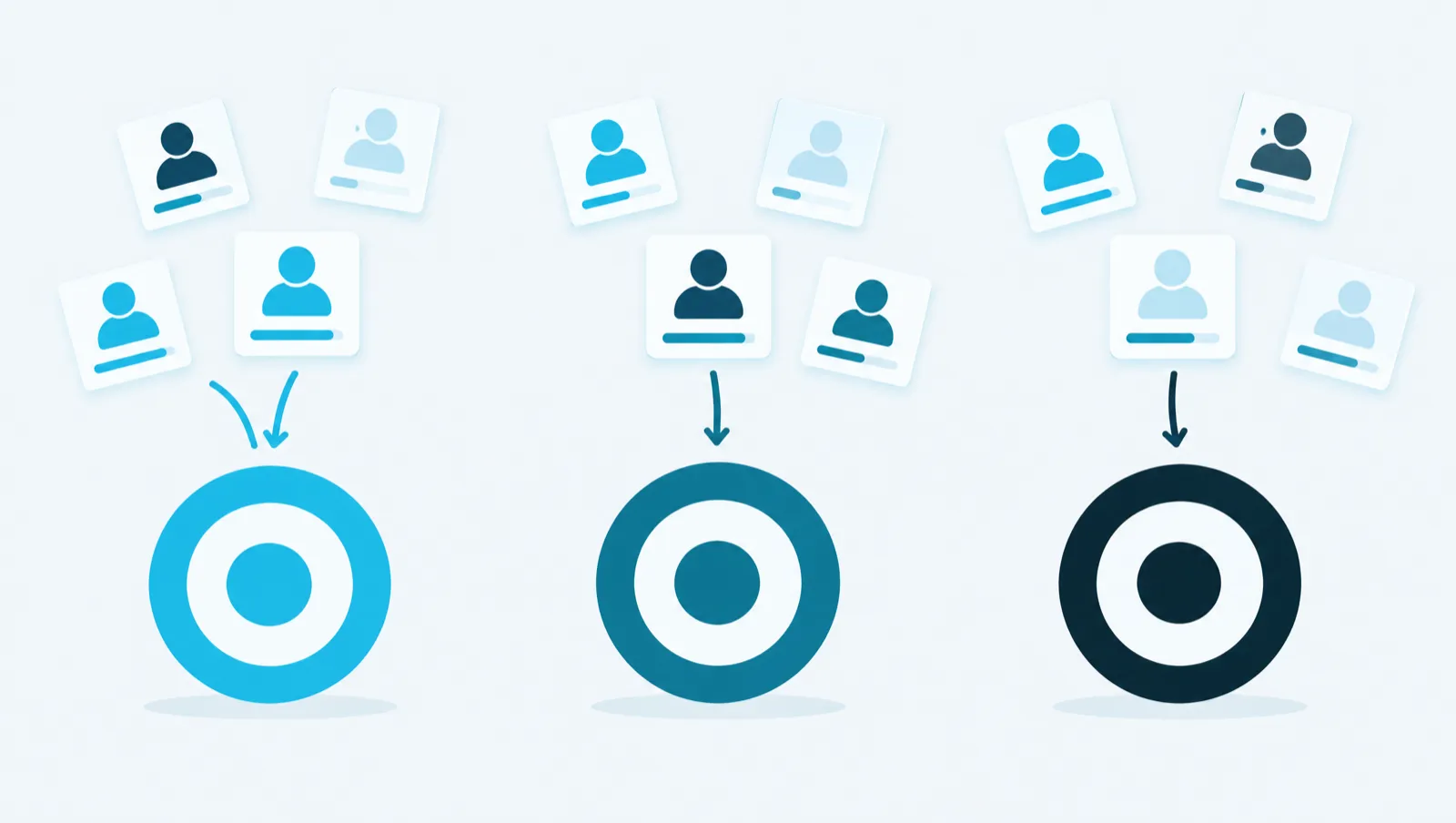
A Target describes your ideal customer for one offer. If you sell several offers, create one Target per offer: each prospect then gets one score per Target. This article explains how to create these Targets, how the score is calculated and what qualification costs.
A Target has five fields:
| Field | What it contains |
|---|---|
| "Name" | The internal name of the Target. |
| "Objective" | What you want to sell to this audience. |
| "Definition" | Who the ideal customer is: industry, size, role, signals. |
| "Disqualifiers" | What rules a prospect out automatically. |
| "Fit threshold" | The score out of 10 from which a prospect is "Fit". 6 by default. |
A Target has three uses. It scores your prospects. It decides who enters a campaign set to qualified prospects only. It gives the context for the texts written for this audience: campaign messages, posts, watches.
The same prospect can suit one offer and not another. A single list of prospects does not tell you which offer to propose to whom.
Take a fictional consulting firm that sells cloud consulting, cybersecurity audits and data training. A CIO can be a good customer for cloud consulting and a poor customer for training. The firm creates three Targets. Each prospect is scored against each of them and keeps one score per Target. The prospect record shows the best score and the matching Target.
Targets are also used by campaigns. A campaign has a "Target audience". With the setting "Only admit leads qualified for the Target", on by default, a person who does not fit this Target does not enter the sequence. A campaign per offer thus relies on the right Target.
Claire M.
Chief Information Officer
Explore the three qualifications
A relevant approach
Understand her cloud priorities before presenting your service.
Need and timing still need to be confirmed.
The platform reads the prospect's profile and compares it with the Target's definition. It scores five criteria from 0 to 2:
0 means absent, 1 partial, 2 explicit. The total score ranges from 0 to 10. If it reaches the "Fit threshold", the prospect is "Fit". Otherwise, it is "Off target".
The "Scores" tab of the prospect record also shows the "Persona", the proposed "Primary angle", the "Risk to validate", the "Relevance signals" and, for each criterion, the extract from the profile that justifies the score.
A good score measures the match with your criteria. It does not measure the need. The need, the budget and the timeline are checked in the conversation.
Discuss her cloud migration priorities and check whether your expertise meets a current need.
An evaluation costs 2 credits per prospect and per Target. One credit is worth one euro cent. Evaluating a prospect against three Targets counts as three evaluations.
Your plan also sets a number of evaluations per day for the whole workspace:
| Plan | Evaluations per day |
|---|---|
| Essai | 100 |
| Essentiel | 100 |
| Croissance | 250 |
| Équipe | 500 |
This cap is shared between imports, manual evaluations, Autopilot and campaigns. Above it, evaluations wait in a queue and go out on the following days. Nothing is charged before the actual evaluation.
In the consulting firm example, scoring 200 prospects against 3 Targets makes 600 evaluations, or 1,200 credits. With 100 evaluations per day, they are spread over 6 days.
The "Few leads match the target “…”" banner appears when, over the last 7 days, at least 15 prospects have been evaluated against the Target and less than 30% are "Fit".
Click "Have it reviewed". The AI reviews the Target, Autopilot's search and a sample of evaluated prospects. It gives a diagnosis, for example "The target is too strict" or "The search is too broad". For each field, it shows the "Current" value and the "Suggested (editable)" value. Nothing is changed without your agreement. The review costs no credits today.
After a change, "Re-score the sample" scores at most 20 prospects again, at 2 credits each, and compares the scores before and after.
To create one Target per offer:
You can also click "Suggest my Targets". The platform starts from your business profile and shows two suggestions, each with what it is "Founded on" and its "Hypothesis".
To qualify your prospects against several Targets, write to the assistant, "Command" tab:
Qualify the 200 prospects I added this month against my Targets « Cloud consulting », « Cybersecurity audit » and « Data training ». Give me the quote before you start.
The assistant finds the Targets by their name, counts the prospects and shows a quote. It only starts qualification after your agreement.
The guide chapters that detail what this article describes.