



Prospecting · Campaigns
Prospecting on LinkedIn while limiting the risk of account restriction
The invitation, message and read limits the platform applies to each LinkedIn account, and how it spaces out actions.
5 min read

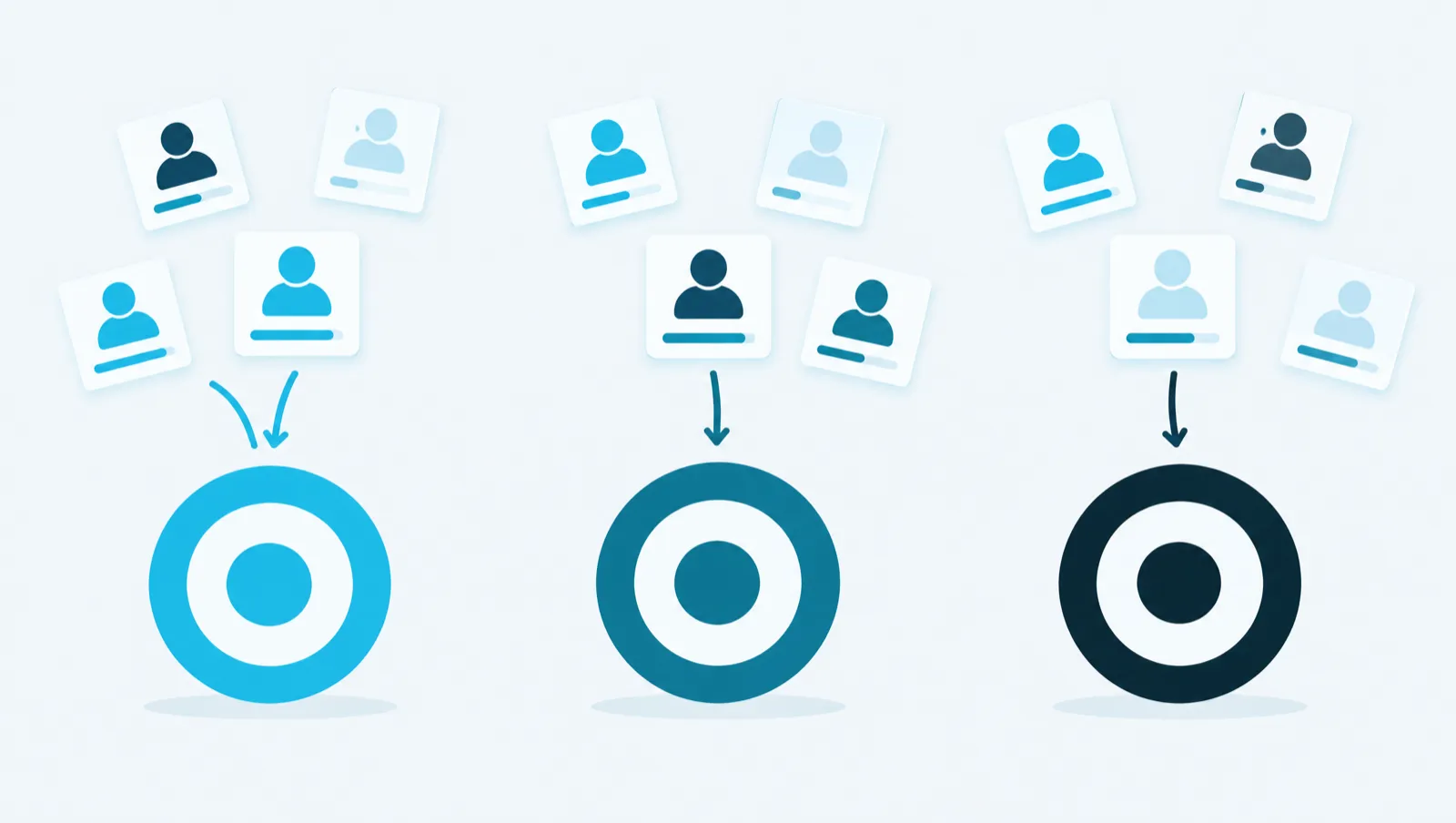
Autopilot feeds your database every night. It imports new profiles drawn from a saved search and evaluates them against a Target. You set the maximum number of profiles per night, and the maximum cost of a night is shown before you arm it.
Every night, Autopilot follows five steps:
N is the maximum number of profiles imported and evaluated per night. It is not a number of qualified prospects. The number of qualified prospects depends on the Target and the search. The platform does not promise it.
At night, Autopilot does not call LinkedIn. It only reads its reserve, which is built during the day.
A workspace has a single Autopilot. Arming it on one Target disarms it on the other.
Autopilot needs four things:
The reserve is a stock of profiles drawn from the saved search. It lets Autopilot work at night without calling LinkedIn.
Filling starts shortly after arming. It then takes place during the day, in the background and in small pages. The reserve aims for 500 profiles. It is only refilled when it drops below 100 profiles.
Each refill uses the LinkedIn account's search lines: 1,000 per day on a classic account, 2,500 on Sales Navigator. Background imports and Autopilot stop at 80% of this daily budget. The remaining 20% is kept for your manual searches. Filling costs no credits.
The "Targets" screen shows the state of the reserve, for example "… profiles in reserve · at least … nights of runway". The number of nights is the reserve divided by N. When the search returns nothing more, the screen shows "Your search “…” is exhausted — widen it". Autopilot is then on standby and uses nothing. Click "Widen the search" to change its filters.
Each profile evaluated costs 2 credits. A profile already in your contacts is set aside at no cost. The maximum cost of a night is therefore 2 × N credits. Arming or disarming costs nothing.
| N (profiles per night) | Maximum cost per night | Maximum cost over 30 nights |
|---|---|---|
| 10 | 20 credits | 600 credits |
| 20 | 40 credits | 1,200 credits |
| 50 | 100 credits | 3,000 credits |
| 100 | 200 credits | 6,000 credits |
One credit is worth one euro cent.
Autopilot's evaluations count against your plan's daily cap: 100 evaluations per day for Essai and Essentiel, 250 for Croissance, 500 for Équipe. Autopilot goes first in the night's evaluation queue. If N is close to this cap, your other evaluations may no longer get their turn. The screen warns you with the alert "Autopilot can use up your whole daily quota". You can arm anyway, or lower N.
The "Autopilot — last night" block appears on the "Dashboard" and on the "Targets" screen. It shows the profiles "Drawn from reserve", the "Profiles created", the profiles "Already on file" and the summary "… qualified out of … evaluated". It also shows why Autopilot stopped, for example "Stopped: the cap on profiles imported and evaluated was reached."
Autopilot evaluates prospects. It does not put them into a campaign itself. For a campaign to receive the qualified prospects every night, attach the piloted Target to it. Then, in "Automatic admission", tick "Automatically add qualified leads from the Target". The prospects that fit the Target then enter the campaign's queue. The sending pace and the approval remain those of the campaign. Prospects qualified before the setting was turned on are not added.
Take a fictional agency that sells to IT directors of mid-sized retail companies. It wants 20 new profiles evaluated every night.
From the "Targets" screen:
Or with the assistant, "Search" tab:
Find IT directors of mid-sized retail companies in France, on LinkedIn.
Save this search and create a Target from it.
Arm the autopilot on my Target « Retail CIOs » with 20 profiles per night.
The assistant checks your plan, then shows an "Approval required" card. The card shows the Target, the cap per night, the nights the reserve will last and the maximum cost per night. Autopilot is armed only after you click "Approve".
The guide chapters that detail what this article describes.