



Campaigns
Announce a webinar to your 1st-degree network without copy-pasted messages
How to set up a Network messaging campaign to announce a dated webinar, with one text per person, a follow-up and the right intake pace.
5 min read
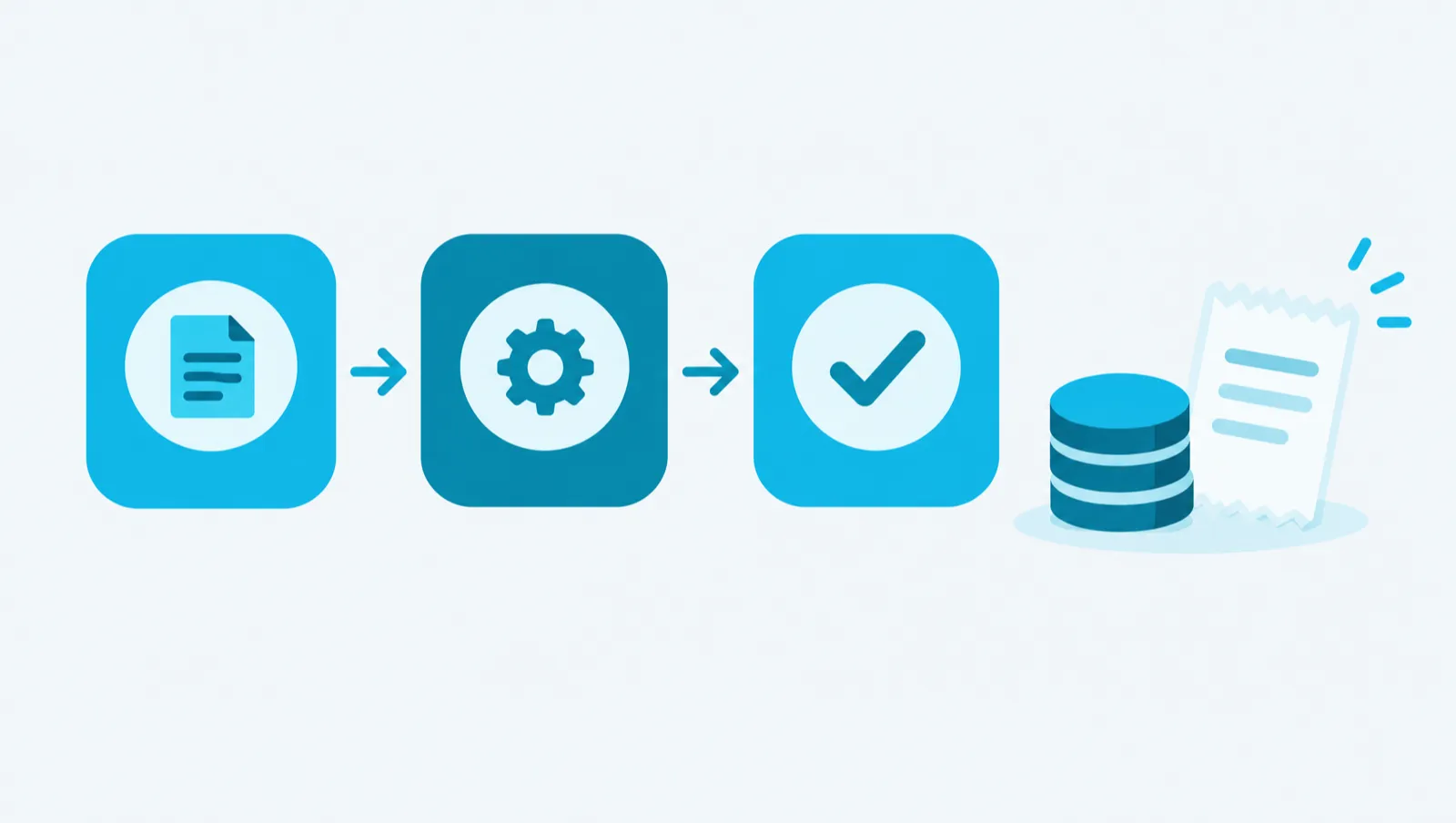
This article shows how to calculate the cost of a campaign before you launch it. In Maya Reach, a campaign only costs credits for two actions: evaluating a person against a Target and drafting a text. Sending on LinkedIn costs no credits.
One credit is worth one euro cent. The cost of a paid action is shown before you launch it.
For a campaign, three prices are enough:
| Action | Price |
|---|---|
| Evaluate a person against a Target | 2 credits per person and per Target |
| Draft a text (message, follow-up, invitation note, comment) | 3 credits per text |
| Send an action on LinkedIn (visit, like, invitation, message) | 0 credits |
An action that fails is not charged.
These actions cost no credits:
A Visit or Like step contains no text. It therefore costs nothing, at any point.
Take a consulting firm that wants to connect with 100 operations directors outside its network (2nd degree). It builds an "Acquisition" campaign in three steps: profile visit, like on the latest post, then invitation with a short note. The figures below are an example, calculated with current prices.
Evaluation against the Target. The setting "Only admit leads qualified for the Target" is on by default. A person never evaluated for this Target is evaluated first. If none of the 100 has been evaluated: 100 × 2 = 200 credits. If they have already been evaluated, for example by the Autopilot, this item is 0.
Visit and like. 0 credits.
Invitation note. A drafted note costs 3 credits: 100 × 3 = 300 credits. An invitation without a note costs nothing.
Total. At most 200 + 300 = 500 credits, or 5 euros.
With a classic LinkedIn account, invitations with a note are turned off by default, because LinkedIn allows very few of them. In that case, invitations go out without a note and the "note" item is 0.
A "Follow-up" campaign sends a message to the people who accept the invitation. It has at most 3 steps. Each drafted message costs 3 credits per person who accepts.
The number of acceptances is not known in advance. So calculate the maximum: if all 100 people accepted, a thank-you message would cost 300 credits. The real cost is lower as soon as some people do not accept.
Some actions are optional. They only cost credits if you launch them.
Each plan includes credits: 2,000 once for Essai, 2,000 per month for Essentiel, 6,000 for Croissance and 15,000 for Équipe. The example above, at most 500 credits for the Acquisition campaign and 300 for the follow-up, fits within the included credits of an Essentiel plan.
The plan also sets a number of evaluations per day: 100 for Essai and Essentiel, 250 for Croissance, 500 for Équipe. Beyond that, evaluations wait in a queue and run on the following days.
To know the cost before you spend:
With the assistant, "Command" tab:
Give me a costed plan before you act.
Find my CTO leads, qualify them against my Target and prepare a campaign.
Before a paid action on several prospects, the assistant shows a quote. A conversation with the assistant costs nothing in itself. The paid tools it calls cost the same price as from the screens.
The guide chapters that detail what this article describes.