




Inbox · Assistant
Reply faster with the copilot, saved replies and drafts to review
Three Inbox tools to reply to prospects: the AI copilot, saved replies and the queue of drafts to review.
4 min read
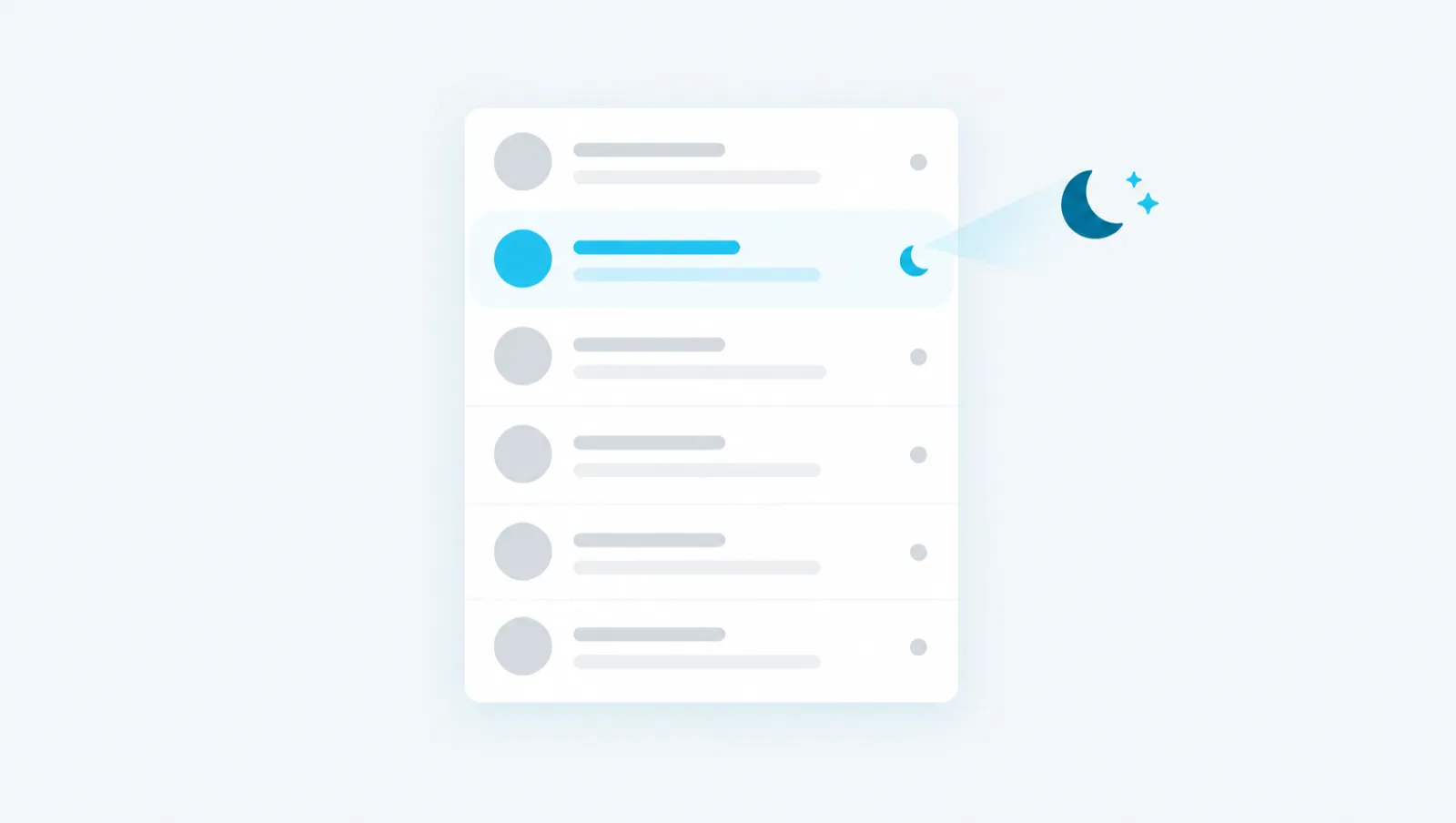
The nightly crawl rereads your dormant LinkedIn conversations and keeps those where the other person matches one of your Targets. For each conversation kept, it drafts a follow-up that you review. This article explains how to arm it, what it costs and how to follow up with the Inbox copilot.
A LinkedIn inbox often contains conversations that stopped with no next step. Rereading all these threads by hand to find the right people takes time.
Every night, the crawl:
The crawl never sends anything. In the morning, the "Opportunities" filter of the Inbox shows the conversations kept. The detail of an opportunity shows the persona, the main angle, the relevance signals and the points to check.
The crawl is off by default. Arming it commits you to a cost that repeats every night. You therefore set a cap on the conversations analyzed per night, 25 at most.
The cap is shared between the chosen Targets. Adding a Target does not double the cost.
The crawl spaces its profile reads about 2 minutes apart. These reads count against the account's limit on automatic reads: 100 profiles per day. For 20 conversations, the crawl therefore takes about 40 minutes during the night.
To disarm, untick "Arm the nightly crawl" and save. Opportunities already flagged stay visible.
For each conversation analyzed:
| Action | Cost |
|---|---|
| LinkedIn profile read | 0 credits (one read from the day's budget) |
| Evaluation against the Target | 2 credits |
| Draft, if the conversation is kept | 3 credits |
A person already evaluated for this Target is not evaluated again. A conversation already analyzed and unchanged is not charged again. One credit is worth one euro cent.
Take a hypothetical example: a manager arms the crawl with a cap of 20 conversations per night. The evaluation costs at most 40 credits per night. Each conversation kept adds 3 credits for its draft.
A draft written by the crawl appears in the "To review" filter of the Inbox. Its block says "Drafted by the night crawl". Nothing goes out until you have approved it.
For each draft, you can:
An approved draft goes out during the Inbox send window: Monday to Friday, 9 am to 6 pm, Paris time. If approved outside this window, it goes out when the window next opens. An edited draft goes back to "To review": an earlier approval is cancelled.
You can also follow up on a conversation yourself, without waiting for the crawl. The quick actions menu (✨ icon) offers:
| Action | What it does | Cost |
|---|---|---|
| Follow up | Follows up on an exchange that went quiet, without reproach or false urgency. | 3 credits |
| Suggest a reply | Drafts a reply based on the whole conversation. | 3 credits |
| Suggest a time | Steers the conversation toward a live conversation and asks for availability. | 3 credits |
| Summarise the thread | Shows where the exchange stands, what the person asked for and what they promised. | 0 credits |
The suggested text is inserted into the input field. You review it, then send it yourself. The copilot never sends on your behalf.
Sending a reply costs no credits. A reply counts against the account's message limit: 80 per day by default. Above that, a reply you type yourself still goes through, up to 160 messages per day.
If a person asks not to be contacted again, the platform shows "This person asks not to be contacted anymore." Mark them as opted out: no follow-up can go out to them anymore.
Thank you for your message. We are just starting to think about our secondary sites. Do you have any experience to share?
Happy to help. What are the main priorities for those sites: availability, costs or planning the migration? That will help me suggest a relevant example.
To arm the crawl:
The next day, open the "Opportunities" filter, then the "To review" filter. On a conversation kept, the "AI Copilot" button opens the assistant on this thread. Example requests:
Summarize this thread in a few sentences.
Suggest a reply.
Suggest a meeting for next steps.
To send from the assistant, an "Approval required" card shows the recipient and the start of the message. Nothing goes out until you click "Approve". The assistant does not read the raw text of the people you write to: it receives a controlled summary of the conversation.
The guide chapters that detail what this article describes.